Point of Sale System for Restaurants
Boss POS gives you everything you need to manage sales, inventory, and your team — in one fast, reliable system.
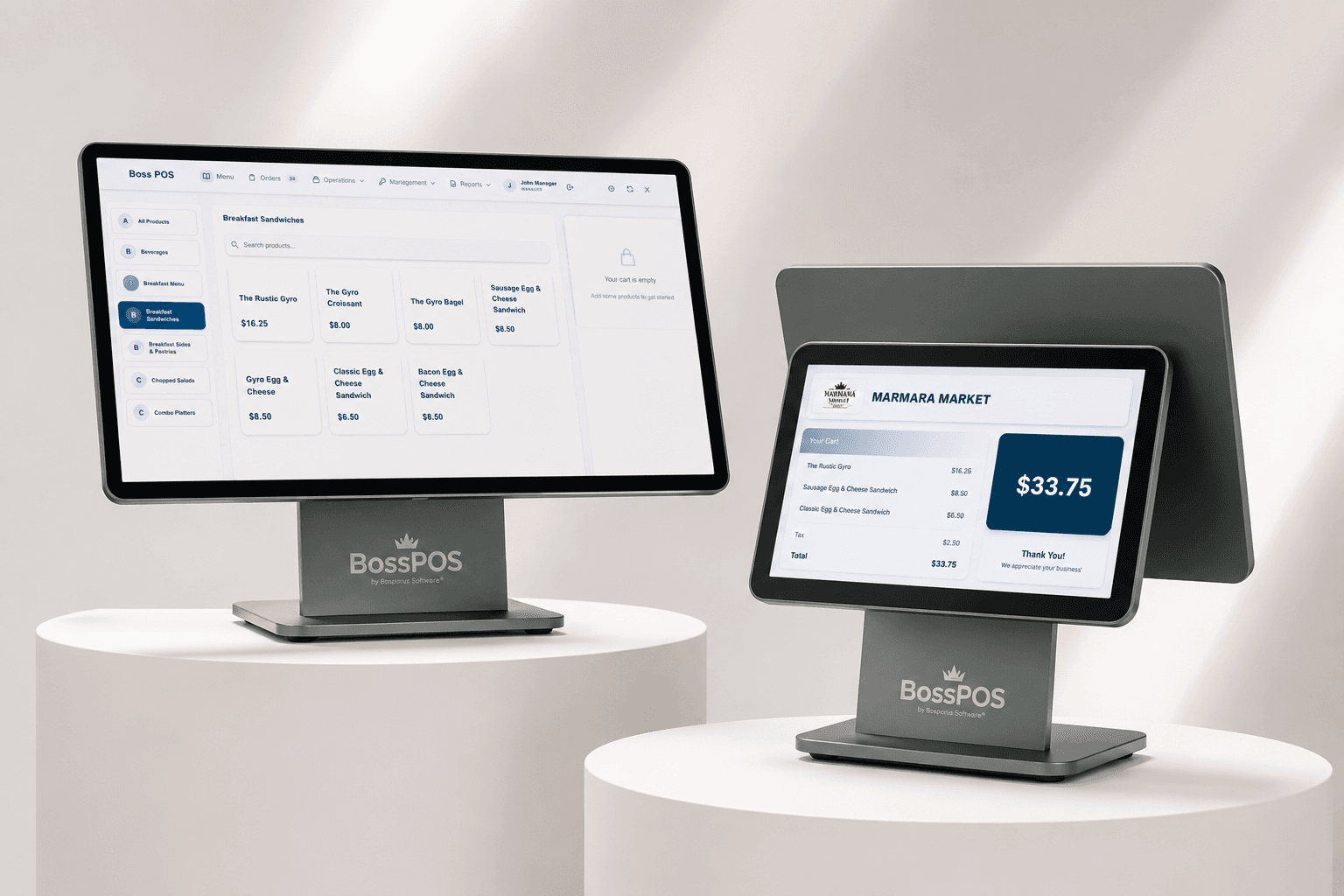
The register screen your cashiers work on all day.
Features
Everything you need to run your retail operation efficiently.
Fast Checkout Interface
A touchscreen interface lets cashiers process transactions in seconds. Search by product name, barcode, or category.
Multi-Payment Support
Accept cash, card, QR code, NFC, and mobile wallets. Split payments and partial payments are fully supported.
Real-Time Inventory
Inventory updates the moment a sale is made. Set low-stock alerts, manage variants, and track stock across locations.
Employee Management
Create roles with granular permissions. Track shifts, manage clock-in/out, and view per-employee performance.
Sales Reporting
Daily, weekly, and monthly sales reports. Profit & loss by product, category, or employee. Export to PDF and CSV.
Multi-Location Support
Manage multiple stores from one dashboard. Transfer stock between locations and view consolidated reports.
See it in action
Screens and hardware from real stores running Boss POS.
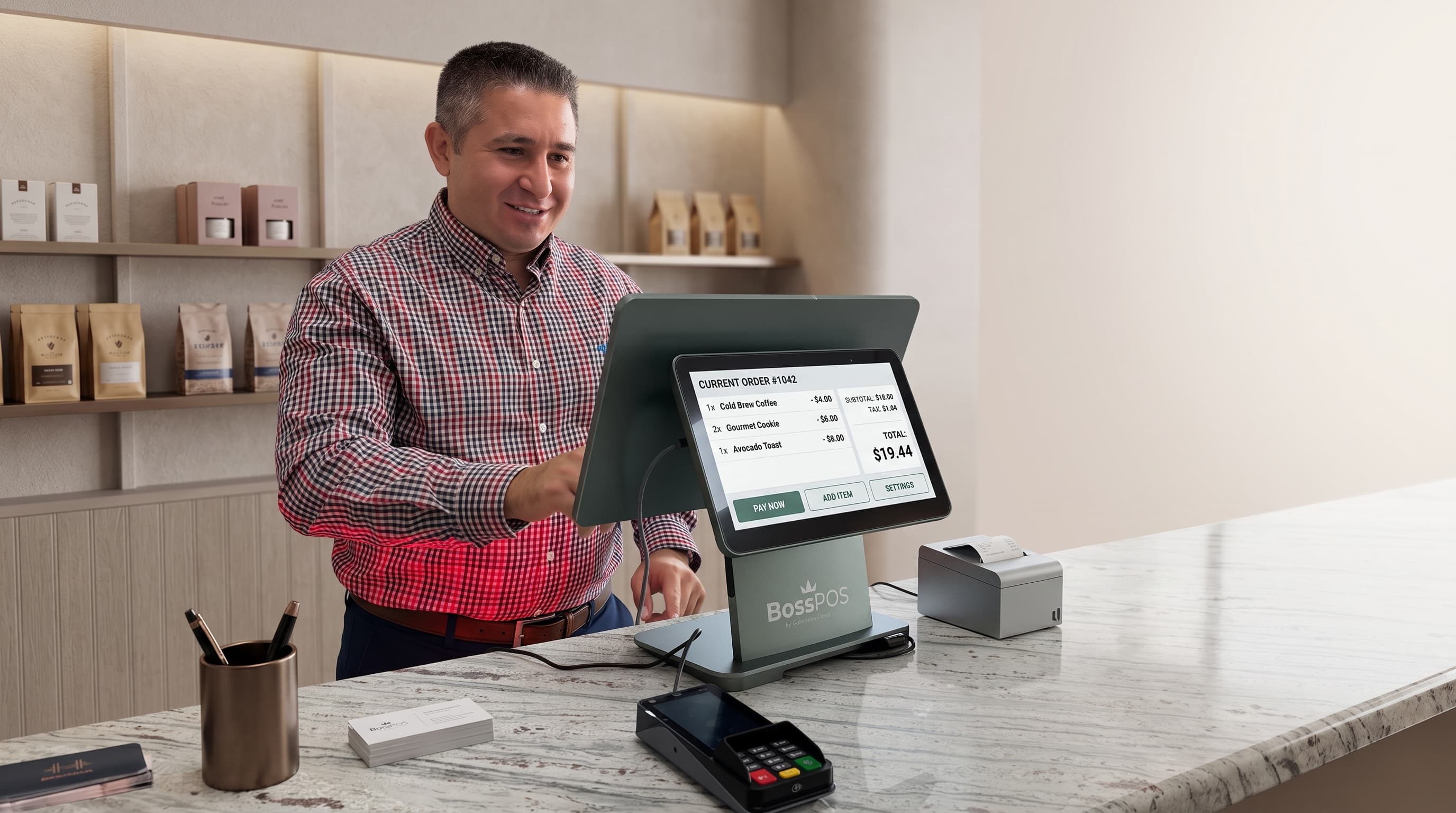
At the counter
Photo of the register in use · 1600×1200
Inventory screen
UI screenshot · 1600×1200
Reports dashboard
UI screenshot · 1600×1200
Get Started in Minutes
Setting up Boss POS is fast and straightforward.
Set Up Your Store
Add your products, categories, tax rates, and payment methods. Import existing inventory via CSV.
Configure Your Team
Create employee accounts with role-based access. Set up your register hardware in minutes.
Start Selling
Open your register and start processing sales immediately.
Ready to see Boss POS in action?
Contact us to request a demo or get pricing information.